Free Aesthetic Stopwatch Online
Beautiful elapsed time tracker with lap times and cozy design
Lap Times
 Loggd · by the makers of this tool
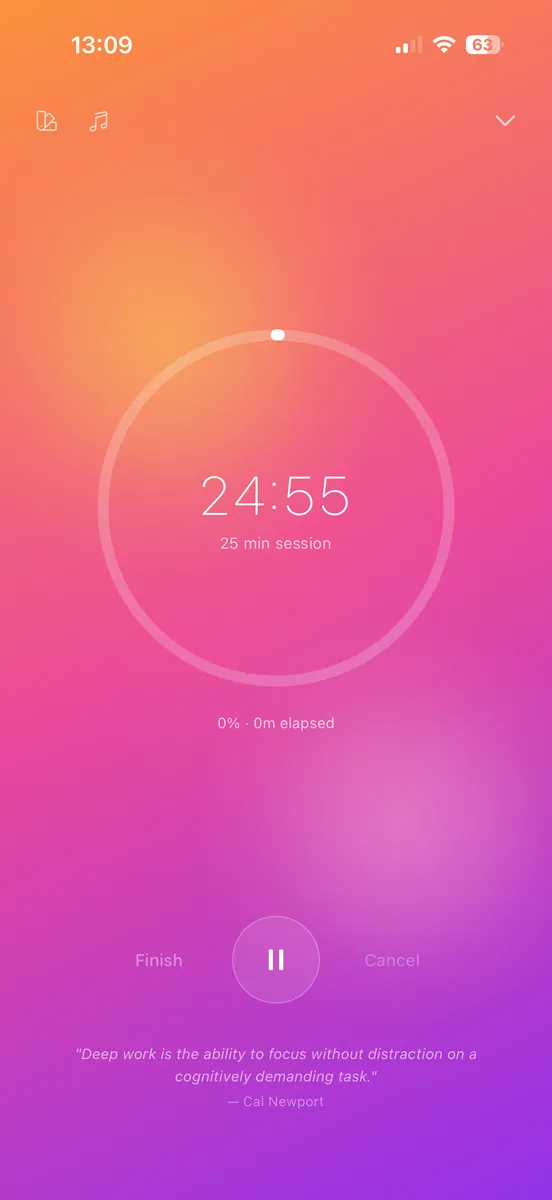
Time your focus sessions in the Loggd app.
The focus timer in Loggd saves every session next to your tasks and habits, on your phone and on the web.




Free plan with no time limit. No credit card.


About Using a Stopwatch
A stopwatch is an essential tool for measuring elapsed time with precision. Unlike timers that count down, stopwatches count up from zero, making them perfect for tracking how long activities take. Our aesthetic stopwatch combines beautiful design with practical functionality.
Common Uses for a Stopwatch
- Workouts & Exercise: Track your running pace, count interval times during HIIT, or measure rest periods between sets
- Cooking: Time how long you've been simmering, boiling, or baking without setting a specific duration
- Studying: Measure how long it takes to complete practice problems or reading assignments
- Work Tasks: Track time spent on projects for billing or productivity analysis
- Sports & Games: Time sports activities, board game turns, or competitive events
- Music Practice: Track practice session lengths and break intervals
Understanding Lap Times
The lap feature lets you record intermediate times without stopping the stopwatch. This is invaluable for:
- Running: Track your pace per mile or kilometer
- Swimming: Record individual lap times in the pool
- Interval Training: Measure work and rest periods
- Task Breakdown: See how long each subtask takes within a larger project
Tips for Effective Time Tracking
- Use fullscreen mode for distraction-free timing during focused activities
- Record laps liberally - it's better to have too much data than not enough
- Choose a calming theme to reduce visual stress during timed activities
- Use keyboard shortcuts for hands-free control during workouts
- Review your lap times to identify patterns and areas for improvement
How to Use This Tool
-
1
Click Start or press Space to begin timing
-
2
Press L or click Lap to record split times
-
3
Click Pause to stop temporarily, Resume to continue
-
4
Press R or click Reset to start over
-
5
Press F for fullscreen mode for distraction-free timing
-
6
Choose a theme that matches your mood
Frequently Asked Questions
A stopwatch counts up from zero to measure elapsed time, while a timer counts down from a set duration. Use a stopwatch when you want to track how long something takes, and a timer when you need to be alerted after a specific amount of time.
Lap times let you record intermediate times without stopping the stopwatch. Each lap shows both the split time (time since the last lap) and the total elapsed time. This is perfect for tracking intervals during workouts, studying, or any timed activity.
Our stopwatch features a modern, minimalist design with smooth animations, beautiful color themes, and a distraction-free fullscreen mode. The cozy aesthetic creates a pleasant environment for timing any activity.
Yes! Press Space to start/pause, L to record a lap, R to reset, and F for fullscreen mode. These shortcuts let you control the stopwatch without breaking your focus.
Yes, once loaded, the stopwatch works without an internet connection. Your lap times and preferences are saved locally in your browser.
Absolutely! The lap time feature is perfect for tracking intervals, sets, or rounds during workouts. The large display and fullscreen mode make it easy to see your time at a glance.
Related Tools
Loggd · by the makers of this tool
Track your life. See your year.
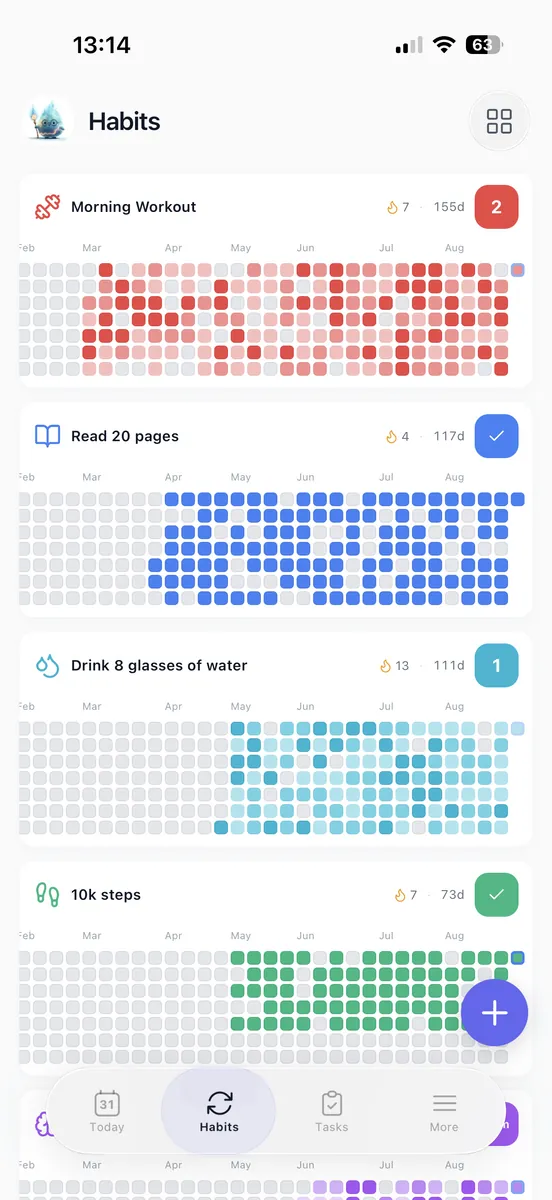
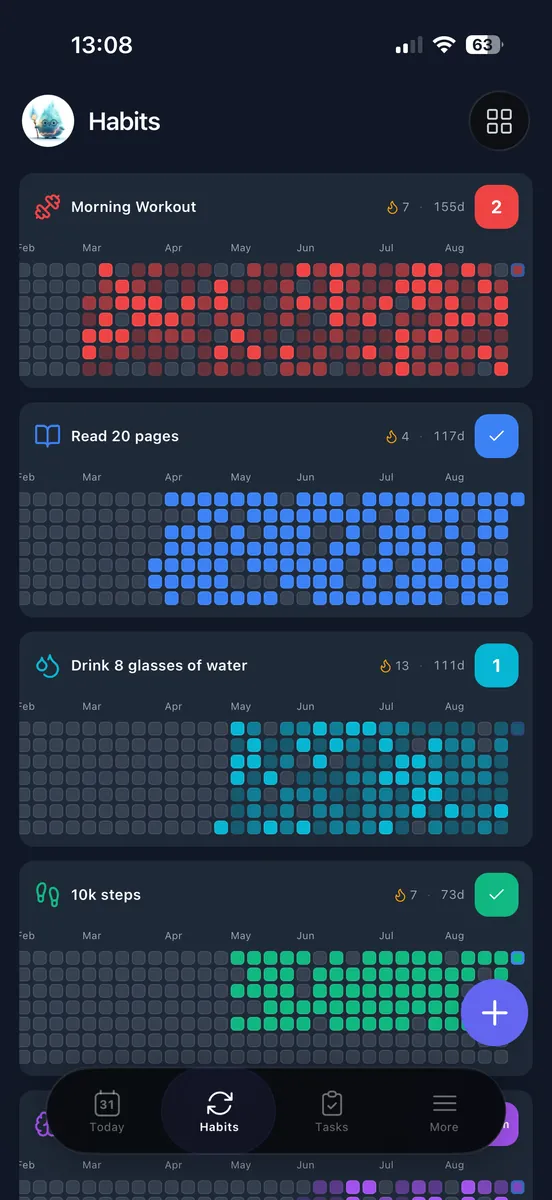
Loggd is a free app for your habits, tasks, goals and focus time.
- Check a habit and a square fills in. A year is 365 squares.
- Tasks, goals with milestones, and a focus timer in the same app.
- iPhone, Android and web. One account, the same data everywhere.
Free plan with no time limit. No credit card.